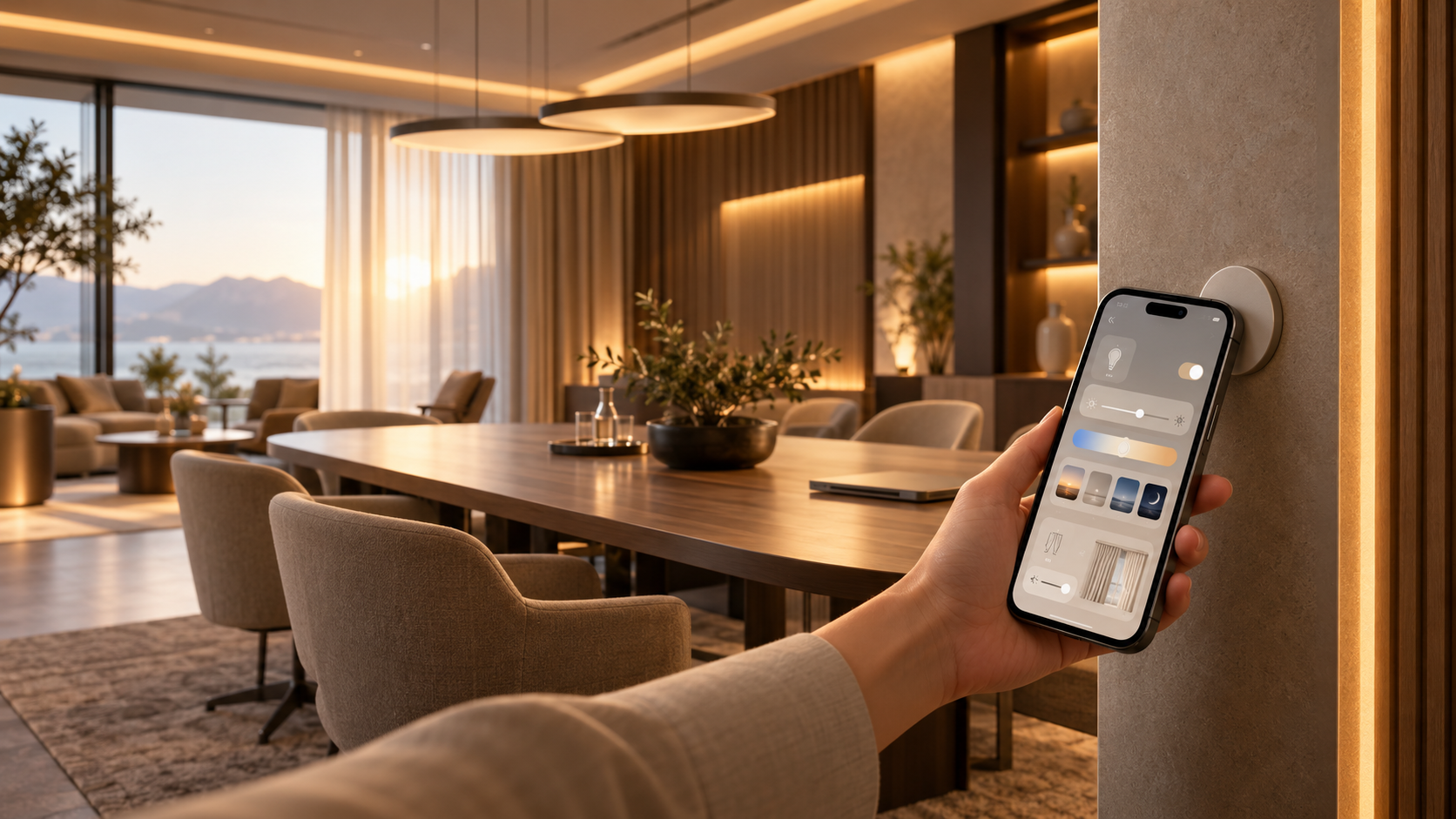
You saw it in the video. Someone taps their phone on a small sticker, and the lights in the room respond instantly.
There is no need to search for switches or download an app. Just tap your phone, open the controls, and adjust the lighting.
What is it?
It starts with a small sticker that can be placed wherever lighting control is needed, such as near a doorway, on a desk, or next to a meeting table.
Tap your phone against the sticker and a lighting control screen opens immediately. From there, you can adjust the lights assigned to that particular space.
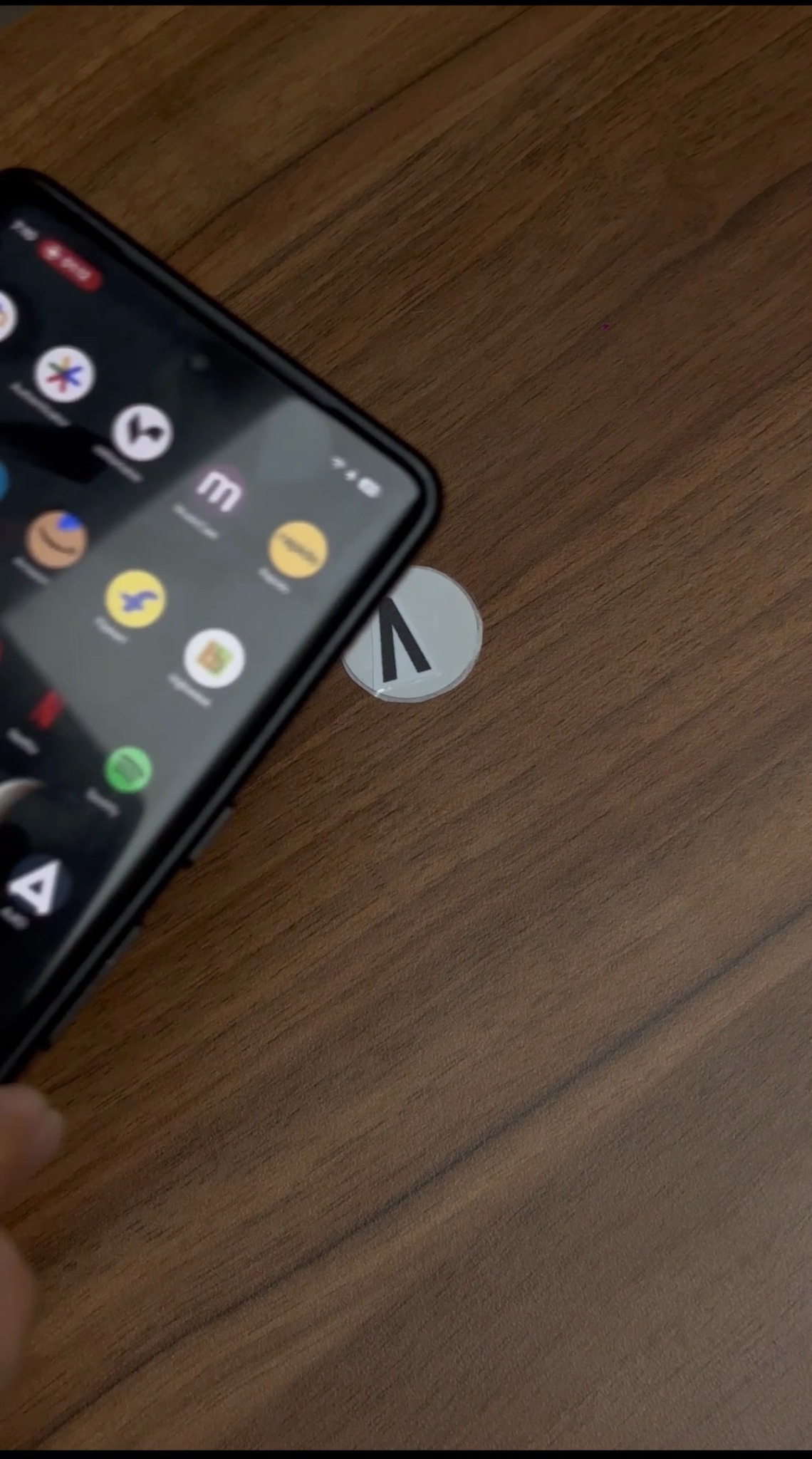
Each sticker can be linked to a specific group of lights. For example, a sticker placed beside a meeting table can control only the lights around that table, without affecting the rest of the room or building.
This makes it possible to give different areas their own independent lighting controls.
How does it work?
Tap your phone on the sticker.
The lighting control screen opens. There is nothing to install or sign up for.
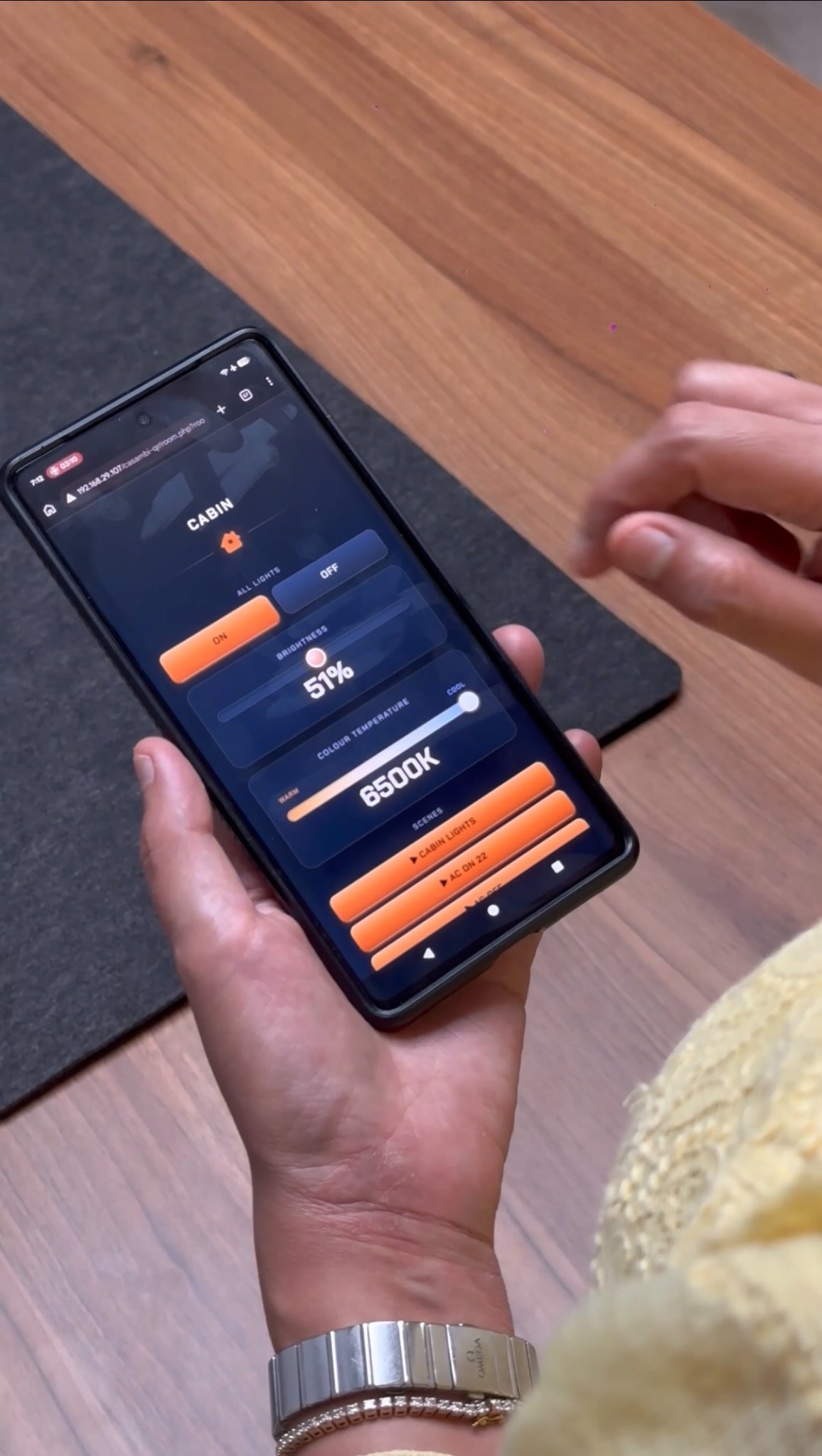
Adjust the lighting to suit the space.
That’s it. The experience is simple enough for someone to use without needing instructions.
What can you control?
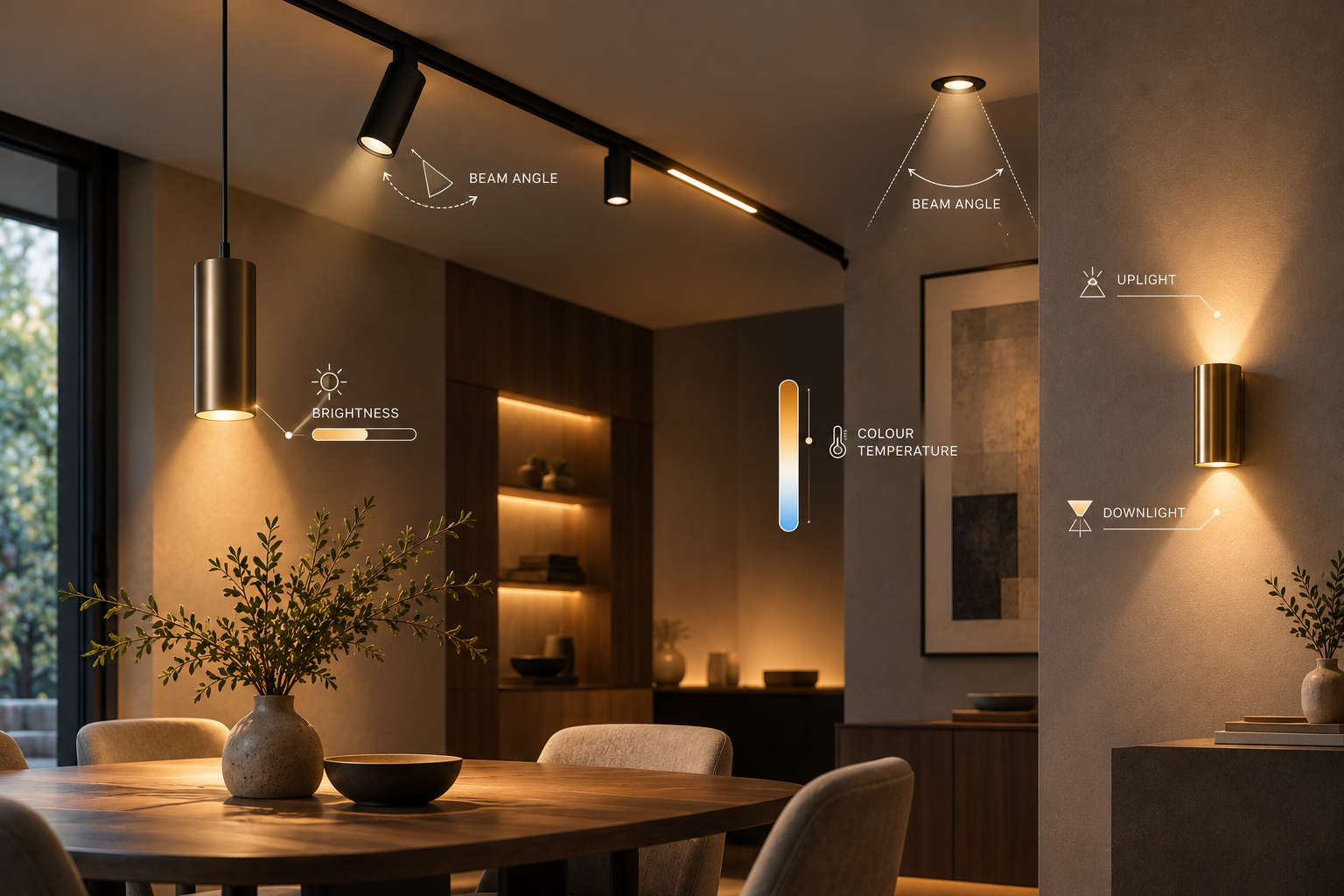
Brightness
Increase the light for focused work or bring it down for presentations, conversations, or a more relaxed setting.
Warm or cool light
Adjust the colour temperature from a warm, comfortable glow to a cooler, more energising white.
Lighting scenes
Choose from saved lighting scenes to quickly set the room for different activities or moods.
Curtains
Open or close the curtains directly from the same control screen, making it easy to manage both natural and artificial light within the space.
What do you need?
Your phone simply needs to be connected to the same Wi-Fi network as the space.
Once connected, tap the sticker and the lighting controls are ready to use. The system remains local to the space, keeping access simple and organised.
These features apply to the configured tap-to-control setup shown in the reel. The phone must support NFC, and colour-temperature and curtain controls require compatible equipment.
Where can it be used?
Meeting rooms
Walk in, tap, and set the lighting for a presentation, discussion, or video call within seconds.
Coworking spaces and hot desks
Different areas can have their own stickers, allowing members to control the lighting in their zone without affecting others.
Studios and content spaces
Adjust the lighting for a shoot or recording without searching for switches or dimmers.
Cafés, restaurants and event spaces
Staff can quickly change the lighting to suit different times of day, events, or settings.
Hotels and hospitality spaces
Guests can access simple lighting controls without downloading an app or learning how to use an unfamiliar control system.
It works particularly well in shared spaces where different people need quick and intuitive access to lighting controls.
Powered by Casambi
Behind the simple tap-to-control experience is Casambi, a smart lighting platform used across offices, retail spaces and hospitality environments.
The system is flexible enough to work across different scales, from an individual room to a larger floor or building.
For the person using the space, however, all of that technology stays in the background. They simply tap and control the lights.
Want this in your space?
If you manage a meeting room, coworking space, studio, hospitality space, or venue and want lighting control to feel this simple, get in touch with us to explore how it can work for your space.